Reliable Fingerprint Recognition Devices
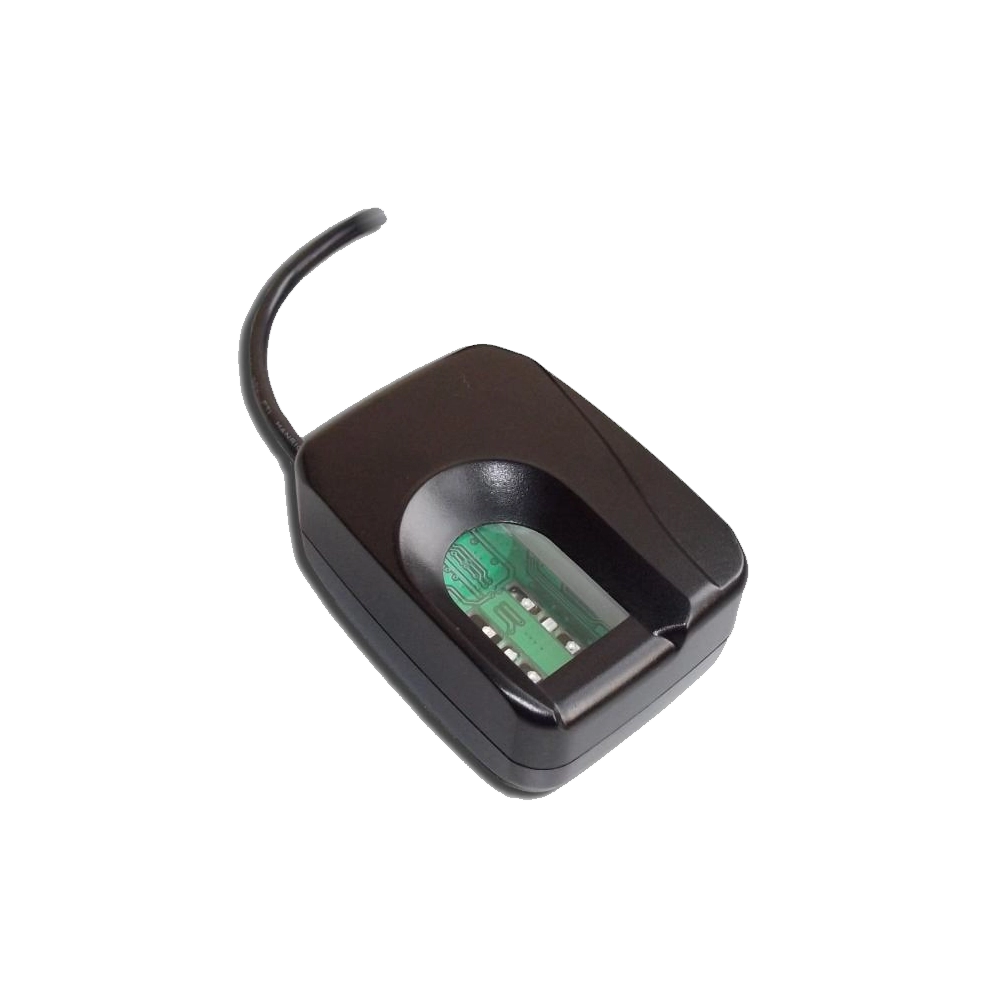
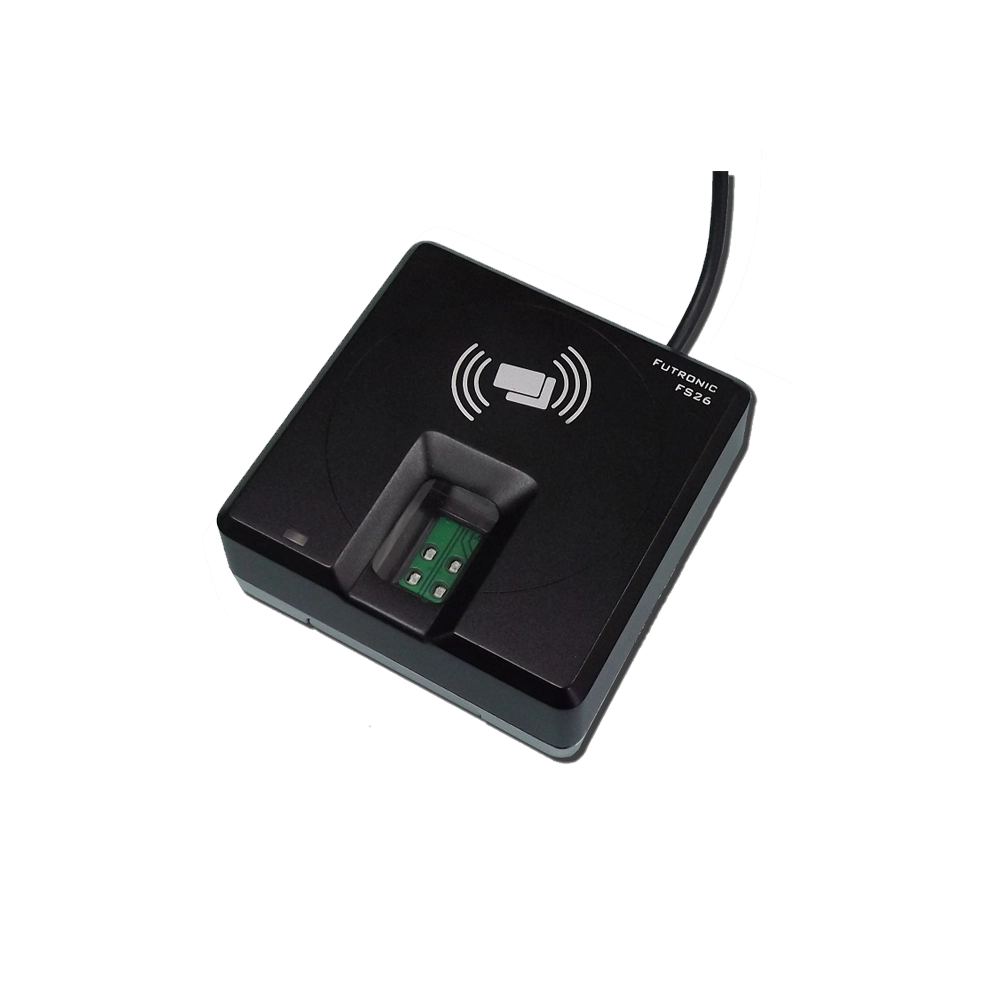
Futronic Fingerprint Scanners
Capture, verify, and store biometric data electronically without the need for manual paperwork. Futronic fingerprint scanners streamline identity verification processes, enabling faster, more secure, and efficient operations whether integrated with third-party applications or Futronic’s own SDK solutions.
-
Fast Scanning
-
USB Interface
-
Durable Design
Get a Free Quote for Futronic Fingerprint Scanners
Browse through all Futronic Models
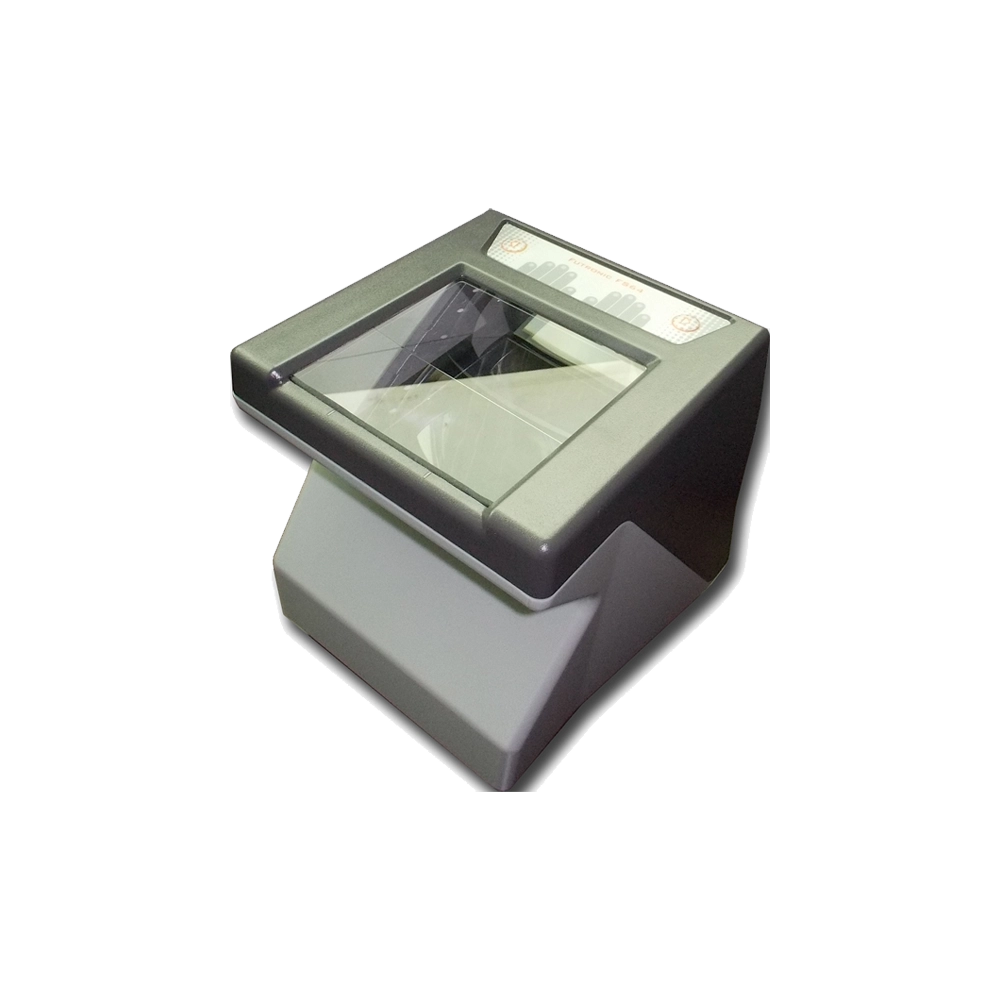
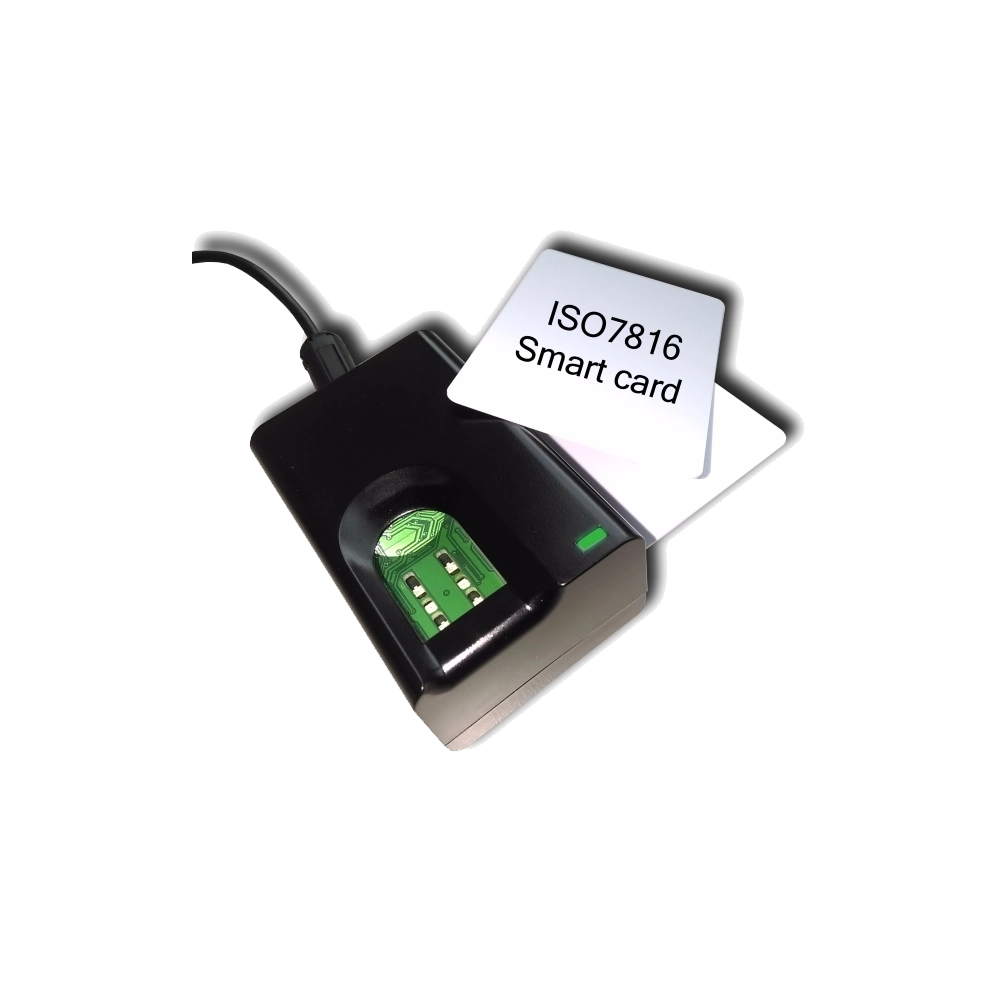
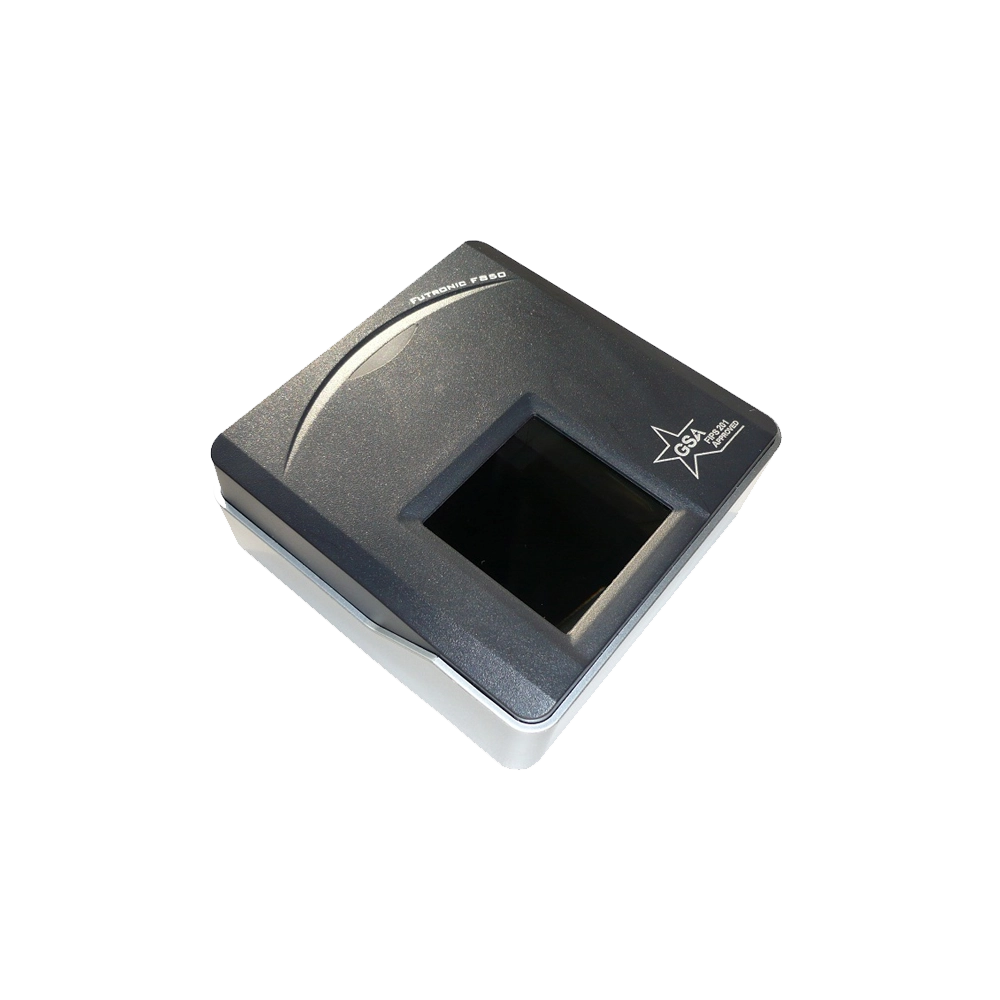
Futronic fingerprint scanner models enable secure, real-time biometric authentication with advanced software integration, high-resolution sensor options, and anti-spoofing technology.
Futronic Secure Biometric Authentication Solutions
Futronic is a global provider of advanced fingerprint recognition hardware and software products to customers who need enhanced security in identity management. With proprietary fingerprint recognition algorithm, Futronic develops and manufactures products for physical access control, computer and network logon, identity management and E-commence.
Buy Futronic fingerprint readers from ID Vision Dubai, final destination for complete range of fingerprint readers in UAE, Middle East and Africa
Futronic USB Fingerprint Readers Ideal for Access Control & ID Verification
We are now offering a full series of Futronic fingerprint recognition hardware and software products for both logical and physical access control. These advanced biometric solutions are trusted by customers worldwide for applications ranging from identity verification to secure system login. In addition to our standard range, ID Vision is ready to support you in developing custom fingerprint recognition applications tailored to your specific needs.
In a world of evolving security threats, your business can’t afford to rely on easily spoofed biometric systems. Futronic Fingerprint Scanners set the 2026 standard for identity management. Futronic provides a robust Software Development Kit (SDK) for Windows, Linux, and Android for seamless integration. Download Futronic fingerprint scanner driver from the official download page.
With 10+ years of experience delivering biometric and access control solutions in the UAE, ID Vision is a trusted provider of Futronic fingerprint scanners. Our solutions are reviewed by customers and deployed across commercial, government, and institutional projects, supported by certified technical teams and world-class after-sales support.
Why Futronic is the #1 Choice for UAE & Middle East Businesses
- Live Finger Detection (LFD): Futronic’s patent-pending technology ensures that only living human tissue is scanned. It automatically rejects fraudulent imitations made from silicone, rubber, or film.
- Rugged Construction: Unlike semiconductor sensors that scratch easily, Futronic uses a 14mm thick crown glass window. It’s practically indestructible and designed for heavy-duty, high-traffic usage.
- Exceptional Image Quality: Capture 500 DPI, virtually undistorted images in just 100ms. The infrared LEDs automatically adjust for wet, dry, or blurred fingers, common in the UAE's varied climate.
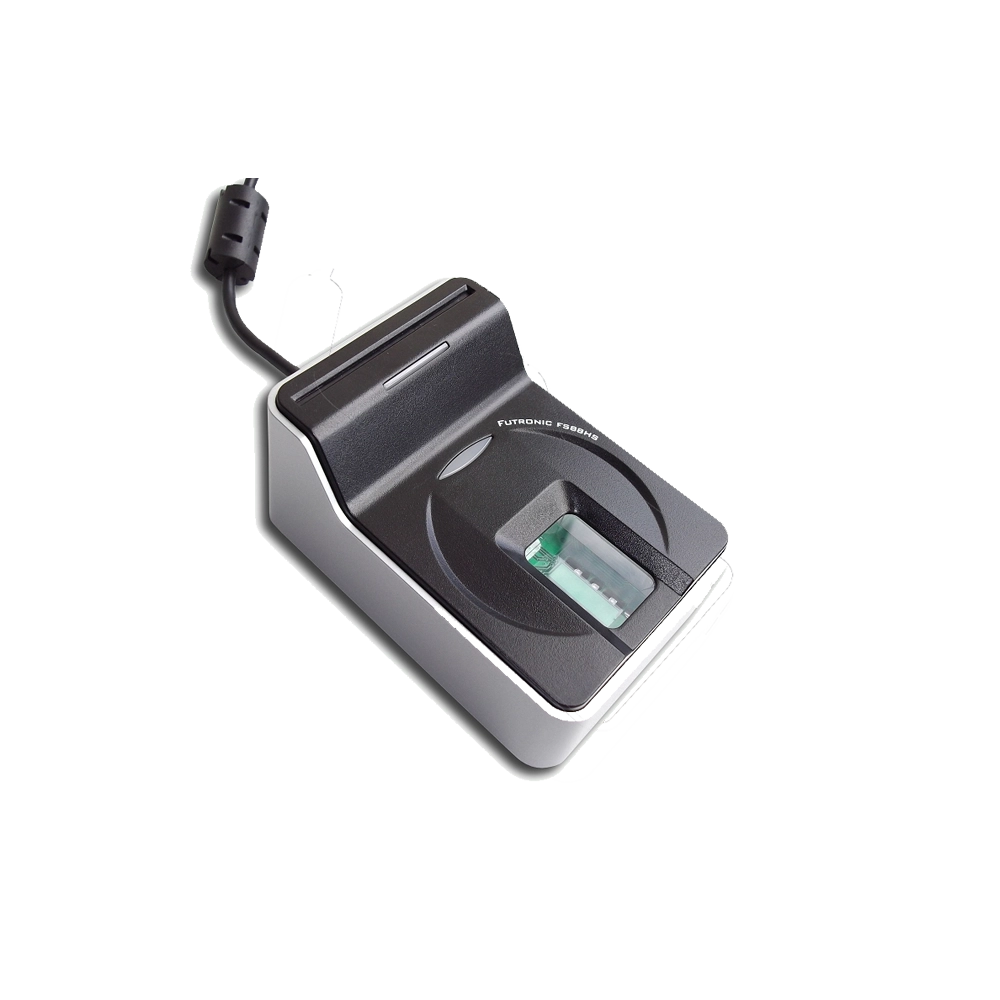
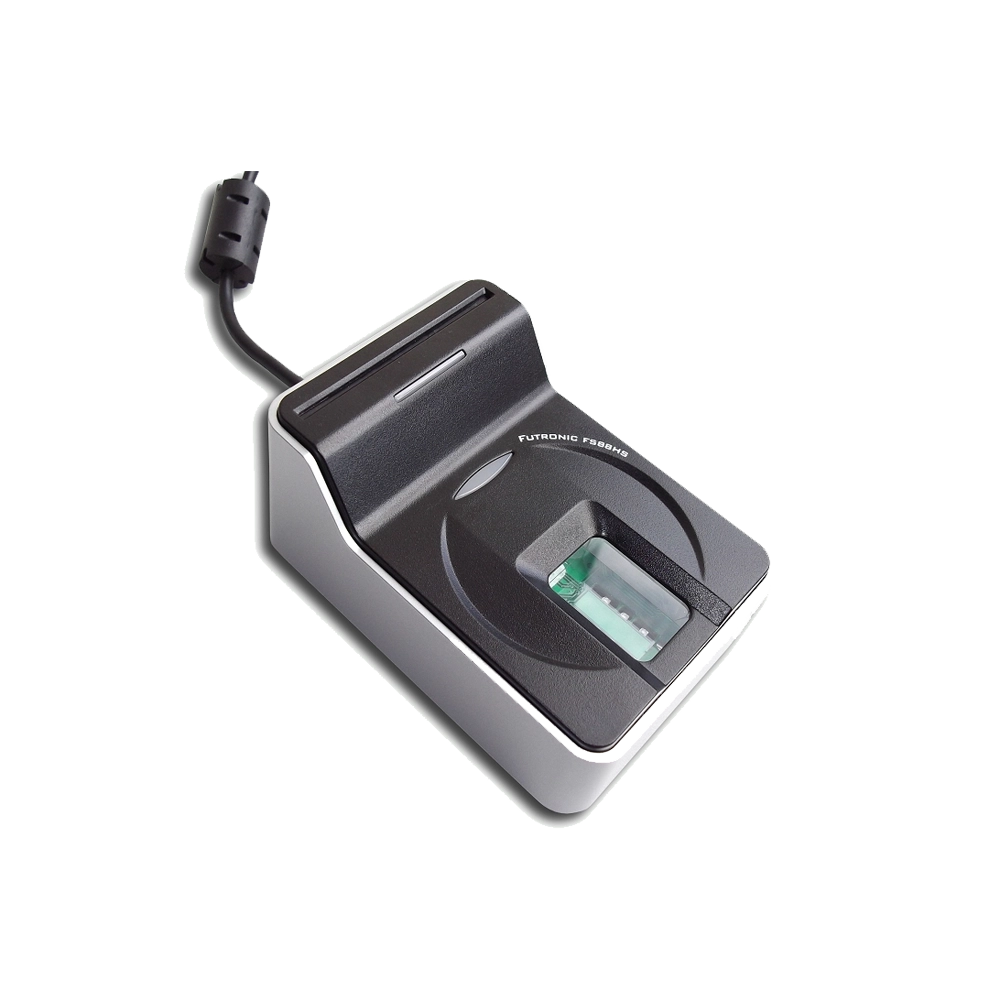
- Traceability: Every FS88H unit features a factory-programmed unique serial number, essential for large-scale government and identity management projects in Dubai.
Help Center
Questions? Answers.
Quick answers to questions about Futronic Fingerprint Scanners you may have.
Can't find what you're looking for? Feel free to get in touch .
Yes, many local developers use the Futronic FS88H for projects requiring high-speed biometric verification compatible with UAE security standards.
Step 1: Define Biometric Use Case
Identify whether the scanner will be used for access control, attendance management, or identity verification.
Step 2: Select the Right Futronic Scanner Model
Choose a Futronic fingerprint scanner based on accuracy, usage volume, and system compatibility.
Step 3: Install & Connect the Scanner
Connect the scanner to the system using USB or supported interfaces and ensure stable power and connectivity.
Step 4: Integrate with Biometric Software
Install the required SDK or biometric software and configure authentication rules.
Step 5: Enroll Users & Test Performance
Register fingerprints, test recognition accuracy, and validate system performance.
Step 6: Maintain & Optimize
Perform periodic calibration, software updates, and system audits to ensure long-term reliability.